
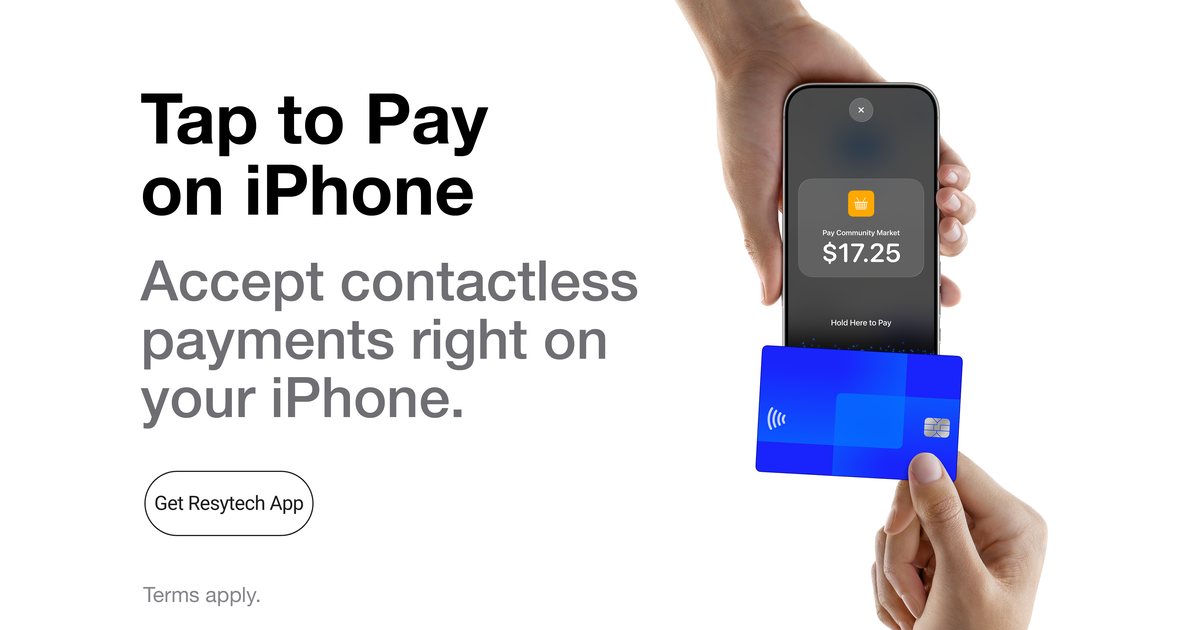
The Resytech dashboard has always traveled well in a phone browser, but a busy dock, tour desk, or front counter deserves better than a browser tab. So we built the Resytech app: your full dashboard as a native app, with a faster sign-in, push notifications that actually reach you, and one feature we're especially excited about: the ability to take card payments with nothing but the iPhone already in your hand.
Your dashboard, in your pocket
Everything you run from the desktop dashboard is in the app: today's schedule, bookings, check-ins and waivers, point of sale, reports, all of it. Sign in once and unlock with Face ID or Touch ID from then on. Push notifications keep the right people in the loop the moment something needs attention: a new booking, an incoming text, or a payment that needs a decision.
Tap to Pay on iPhone: accept payments with no hardware
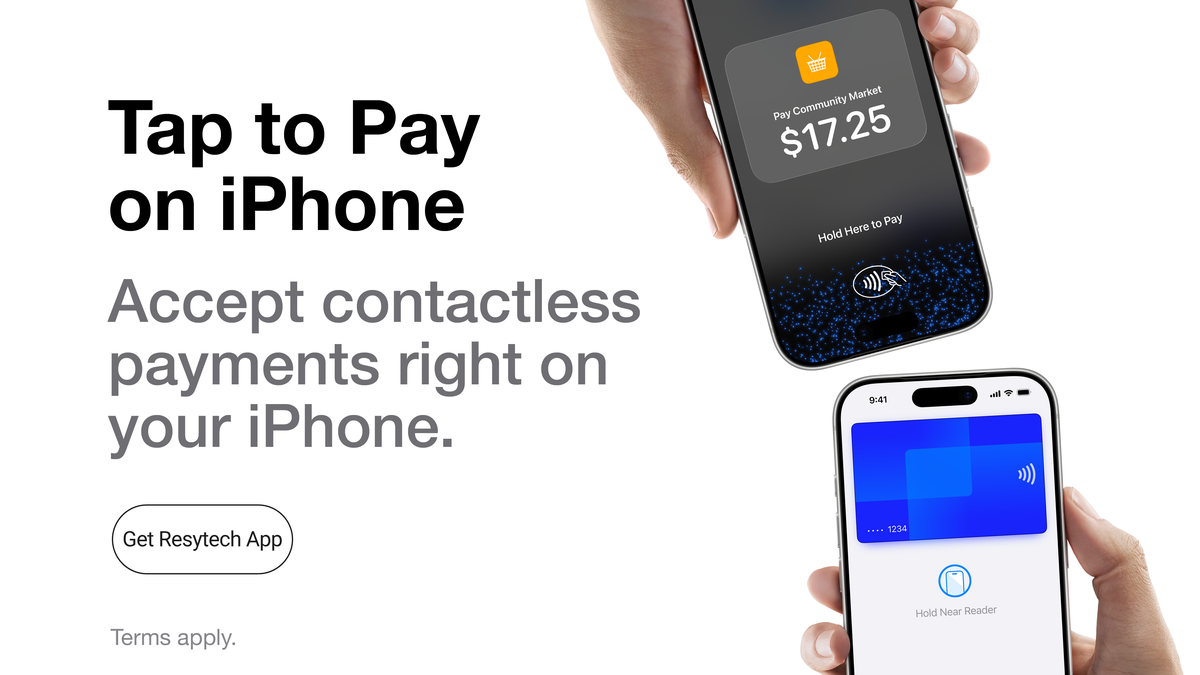
Here's the headline feature. With Tap to Pay on iPhone, an iPhone running the Resytech app becomes the card reader. When it's time to collect a payment, hand the phone toward your customer: they tap a contactless credit or debit card, Apple Pay, or another digital wallet against the top of the iPhone, and the payment is done. Nothing to buy, charge, pair, or lose overboard.
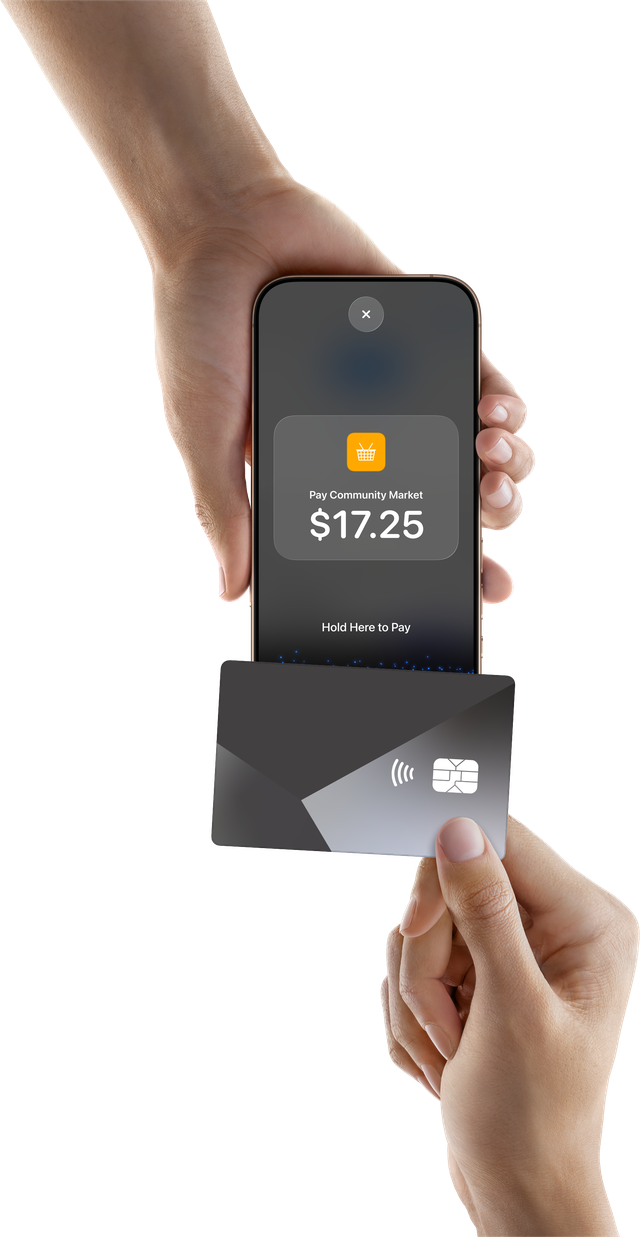
Card reading happens in the iPhone's secure hardware and the payment is processed through your existing Stripe connection. Card numbers never touch Resytech, and the money lands exactly like your other card payments. For some cards the customer may be asked to enter their PIN right on the screen, and the built-in PIN pad includes an accessibility mode for customers who need it.
Everywhere you take payments
Once enabled, Tap to Pay on iPhone shows up as the first payment option everywhere you collect money in person:
- Booking payments: balances, deposits, and day-of charges
- Point of sale: walk-up orders and retail
- Incident charges: damage and fee collection on the spot
- Deposits and holds: card-present authorization holds
After every tap, approved or declined, you can email the customer a receipt or a declined notice on the spot, prefilled with the booking's email when there is one.
Set up in minutes
Tap to Pay on iPhone is a plugin, so you switch it on yourself:
- Open Plugins → Browse Plugins in the dashboard and install Tap to Pay on iPhone for your location.
- On an iPhone with the Resytech app, an administrator accepts Apple's Terms & Conditions, a one-time Apple ID sign-in that covers your whole company, every operator, every device.
- That's it. The app walks your team through how to take a tap, and the short "How to Tap" guide is always a tap away under Company Settings → Terminals.
What you need
- An iPhone XS or newer on a recent version of iOS, running the Resytech app
- Card payments through your existing Resytech Stripe connection
- A US-based business (more regions as we expand)
The Resytech app is available now, and Tap to Pay on iPhone is ready to enable from the Plugins menu. The Tap to Pay on iPhone documentation covers setup and day-to-day use step by step. And as always, if the app is missing something your operation needs, tell us. That's how the best parts of Resytech get built.
Tap to Pay on iPhone Requirements: Tap to Pay on iPhone requires a supported payment app and the latest version of iOS. Update to the latest version by going to Settings > General > Software Update. Tap Download and Install. Some contactless cards may not be accepted by your payment app. Transaction limits may apply. The Contactless Symbol is a trademark owned by and used with permission of EMVCo, LLC. Tap to Pay on iPhone is not available in all markets. For Tap to Pay on iPhone countries and regions, see https://developer.apple.com/tap-to-pay/regions/.
Apple Pay is a service provided by Apple Payments Services LLC, a subsidiary of Apple Inc. Neither Apple Inc. nor Apple Payments Services LLC is a bank. Any card used in Apple Pay is offered by the card issuer.